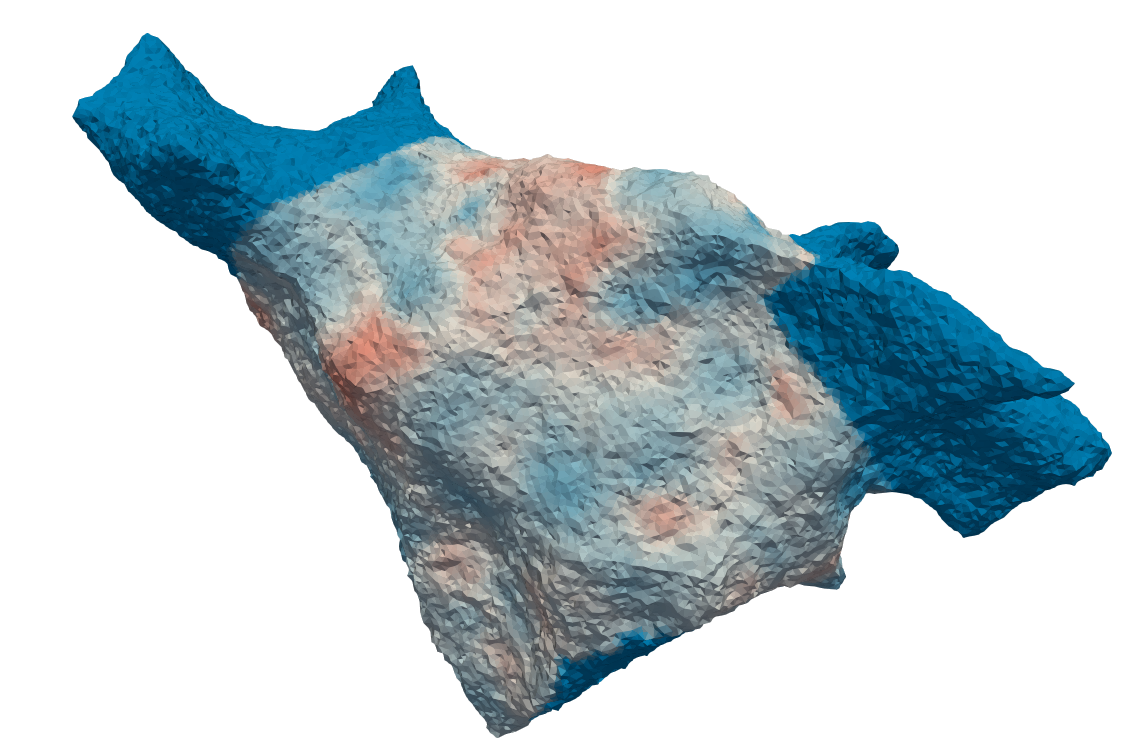
reconstruct module
This is a runfile to reconstruct an input carto mesh to a simulatable mesh.
It’s purpose is to provide easy access or terminal-level access to reconstruct a .mesh file.
It uses the CartoMesh class from the carto_mesh module along with its dependencies.
If you like more control over this reconstruction process than the settings.ini file and the runfiles
reconstruct and apply_cv, then you can also from carto_mesh import * in python and use the class as you please.
If a speed.csv file is present in the same folder as the carto mesh and N_CV > 1 in settings.ini, then these speeds
will be interpolated on the mesh.
If you want to apply conduction velocities after the mesh reconstruction (e.g. in case you want to select
non-conductive regions on the mesh after reconstruction), you must set N_CV = 0 in settings.ini, reconstruct,
reset N_CV to a value of choice and run apply_cv with arguments of your choice.
This file can reconstruct an input Carto .mesh file when run in the terminal.
The command line arguments can be requested by running python reconstruct.py -h, but are also listed below.
These arguments overwrite any setting defined in settings.ini
- Args:
name: name of the input carto .mesh file or its parent directory. Default: the first .mesh file found in the given directory.
–speed_file (optional): name of the .csv file containing columns ‘x’, ‘y’, ‘z’ and ‘speed’. The conduction velocities as defined in this file will be interpolated on the finalised reconstructed mesh.
- reconstruct.run(meshname, speed_file)[source]
Reconstructs an input carto .mesh file. Args:
meshname: Name of the .mesh file to reconstruct, or name of the directory containing this file. speed_file: Name of the file containing the coordinates and conduction velocity values to interpolate, if this is wanted.
Returns: