apply_cv module
This is a runfile to apply conduction velocities to a reconstructed mesh.
It’s purpose is to provide easy access or terminal-level access to apply conduction velocities to a reconstructed mesh.
It uses the CartoMesh class from the carto_mesh module along with its dependencies.
If you like more control over this reconstruction process than the settings.ini file and the runfiles
reconstruct and apply_cv, then you can also from carto_mesh import * in python and use the class as you please.
The command line arguments can be requested by running python apply_cv.py -h, but are also listed below.
These arguments overwrite any setting defined in settings.ini
- Command-line arguments:
name: name of the file containing the conduction velocities. The file must be a .csv file containing the columns ‘x’, ‘y’, ‘z’ and ‘speed’
–write_adjust (optional): Whether or not to write an adjustment file for closing off Na2+ channels.
–region_dir (optional): Name of the directory containing .csv files with indices of mesh points that need to be set to a conduction velocity of 0, if this is wanted. By default, it does not look for this directory
–speed_file (optional): Name of the .csv file containing coordinates and conduction velocity values to interpolate. Default = ‘speed.csv’
–ncv (optional): Amount of conduction velocity distributions to calculate based on the given file. If ncv > 1, then random distributions will be calculated based on the input file.
–speed_col (optional): Name of the column in speed.csv that contains the conduction velocity values. Default=’speed’
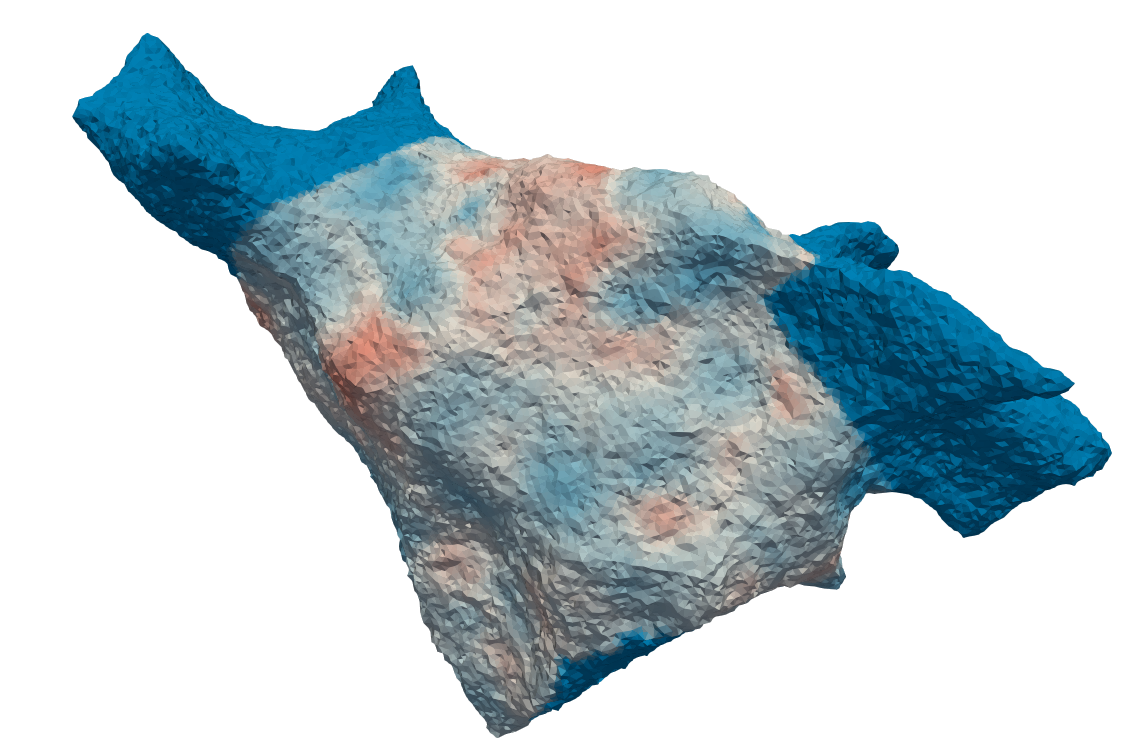
–writeVTK (optional): write out the reconstructed mesh with its speed values interpolated in .vtk format. These meshes will have a suffix ‘_CV=n’ where n denotes the conduction velocity variation.
- apply_cv.run(meshname: str = '', speed_file: str = 'speed.csv', region_dir: str = '', write_adjust: bool = False, writeVTK: bool = False, ncv=None, speed_col: str = 'speed')[source]
Reads in a reconstructed .vtk mesh and interpolates conduction velocities from <speed_file>. If region_dir is given, also reads in the point indices from the .csv files in this directory and sets the conduction velocity of these points to 0.
- Args:
meshname: Name of the reconstructed .vtk mesh to interpolate conduction velocities on, or the directory containing this mesh
speed_file: Name of the file containing the coordinates and conduction velocity values to interpolate.
region_dir: Name of the directory containing indices of regions whose conduction velocity should be 0, if this directory exists.
write_adjust: Write an adjustment file to close off Na2+ channels.
writeVTK: Write the interpolated mesh to .vtk for inspection.
ncv: Amount of conduction velocity distributions to calculate. If ncv > 1, then random conduction velocity distributions will be calculated based on the input file
speed_col: Name of the column in speed.csv that contains the conduction velocity values. Default=’speed’
- Returns:
Nothing